
SHORT ANSWER
The European Accessibility Act (Directive (EU) 2019/882) has applied since 28 June 2025 to e-commerce, consumer banking, e-books, passenger transport and electronic communications services, and to products such as smartphones, computers and self-service terminals. Websites and apps are measured against EN 301 549, which maps to WCAG 2.1 Level AA. The new EN 301 549 v4.1.1 moves to WCAG 2.2. Microenterprises providing services are exempt.
If you sell to consumers in the EU through a website or app, the European Accessibility Act (EAA, Directive (EU) 2019/882) probably applies to you. It requires many consumer-facing digital products and services to be accessible to people with disabilities, and it has applied since 28 June 2025 through national laws in every Member State. For web and mobile teams the practical target is EN 301 549, which maps to WCAG 2.1 Level AA, plus published accessibility information and a way to keep it true after every release. This checklist covers scope, dates and the checks to run. This guide is general information, not legal advice.
Who and what is in scope?
Category | Examples |
|---|---|
Services | E-commerce websites and apps, consumer banking services, e-books and reading software, electronic communications, access to audiovisual media services, and websites, apps, e-tickets and real-time travel information for air, bus, rail and waterborne passenger transport |
Products | Computers and operating systems, smartphones and tablets, e-readers, TV equipment for digital TV services, self-service terminals such as ATMs, ticketing and check-in machines and payment terminals |
Generally out of scope | Purely B2B services, microenterprise service providers, pre-recorded media published before 28 June 2025, archived content not updated after that date, third-party content not under your control |
What are the key dates and transition rules?
28 June 2025: requirements apply to products placed on the market and services provided from this date.
Until 28 June 2030: service providers may keep using products they lawfully used to deliver similar services before June 2025.
Existing service contracts: contracts agreed before 28 June 2025 can continue unchanged until they expire, but for no longer than five years.
Self-service terminals: those already in use may continue until the end of their economic life, up to 20 years after entering service.
September 2026: EN 301 549 v4.1.1 published, based on WCAG 2.2. It becomes the formal reference once cited in the Official Journal.
How do the microenterprise exemption and disproportionate burden work?
A microenterprise has fewer than 10 employees and annual turnover or balance sheet of no more than €2 million. Microenterprises that provide services are exempt. Those that make products aren’t exempt but have lighter documentation duties.
Any other company can claim that a requirement would be a fundamental alteration or a disproportionate burden. You must document that assessment, renew it at least every five years or when the service changes, and in some cases inform the authority. Receiving public or private funding for accessibility weakens the claim.
How does EN 301 549 map to WCAG?
EN 301 549 clause | Applies to | WCAG link |
|---|---|---|
Clause 9 | Web pages and web apps | WCAG 2.1 Level A and AA success criteria (v3.2.1) |
Clause 10 | Non-web documents such as PDF and Office files | WCAG 2.1 AA adapted for documents |
Clause 11 | Software, including native mobile apps | WCAG 2.1 AA adapted, plus platform accessibility services |
Clauses 5 to 7 | Generic requirements, two-way voice and video | Beyond WCAG: captions, real-time text |
Clause 12 | Documentation and support services | Accessible help, manuals and support channels |
WCAG 2.2 adds six A and AA criteria that EN 301 549 v4.1.1 now includes: focus not obscured, dragging movements, target size of at least 24 by 24 CSS pixels, consistent help, redundant entry and accessible authentication. Build them into new work now.
Checklist: perceivable
Every meaningful image, icon and chart has a text alternative, and decorative images are hidden from assistive technology.
Videos have captions, and pre-recorded video has audio description or a text alternative.
Text contrast is at least 4.5:1 (3:1 for large text), and UI components and focus indicators at least 3:1.
Content reflows at 320 CSS pixels wide, and text resizes to 200% without loss of content.
Colour is never the only way information is shown, and headings, lists and tables use proper semantic markup.
Checklist: operable
Every function works with a keyboard alone, with no keyboard traps and a visible, unobscured focus indicator.
Focus order follows the visual and logical order, and skip links bypass repeated navigation.
Users can extend or turn off time limits and pause moving or auto-updating content.
Drag, swipe and multi-finger gestures have single-pointer alternatives, and touch targets are at least 24 by 24 CSS pixels.
Pages have descriptive titles and links have meaningful text.
Checklist: understandable
The page language is set, and navigation and help sit in consistent places.
Form fields have visible labels and instructions, and errors are described in text with suggestions to fix them.
Users don’t have to re-enter information they already gave in the same process.
Login and checkout don’t rely on memory or puzzle tests alone, and they allow password managers and copy-paste.
Users can review and correct legal, financial and checkout steps before submitting.
Checklist: compatible with assistive technology
Custom components expose correct name, role, state and value to assistive technology.
ARIA appears only where native HTML elements can’t do the job, and you test it with real screen readers.
Status messages, such as added to cart or form saved, are announced without moving focus.
Third-party widgets (chat, payment, cookie banners, maps) get tested too. You remain responsible for the service.
Checklist: documents and accessibility information
PDFs and downloadable documents are tagged, with reading order, headings and alternative text, or you also offer them as accessible HTML.
E-tickets, invoices, contracts and statements are accessible.
You publish how the service meets the accessibility requirements, typically in the terms and conditions or an accessibility statement, and keep it current.
Support channels, including chat and help pages, are accessible and offer alternatives.
Checklist: mobile apps
All controls have accessibility labels for VoiceOver on iOS and TalkBack on Android.
The app follows the system text size setting on both platforms without truncation, and supports both orientations unless one is essential.
Custom gestures have alternatives, and nothing depends on shaking or tilting the device alone.
The app works with external keyboards and switch access, with a logical focus order.
Biometric login has an accessible fallback, and web views inside the app meet the web checklist.
How should you test accessibility?
Automated scans (for example axe, Lighthouse or WAVE) in CI on every build. They catch only part of the issues, so you still need manual testing.
Manual expert review of key journeys (sign-up, search, checkout, payment, account) against each EN 301 549 clause.
Assistive technology testing with NVDA or JAWS, VoiceOver and TalkBack, plus keyboard-only and zoom tests.
User testing with people with disabilities for the most important flows.
Regression control: accessible component libraries, design tokens with compliant contrast and acceptance criteria in every user story.
On products like the senior care web platform we delivered, the cheapest accessibility work happens in the design system, before screens multiply. Set contrast, focus states and target sizes once in shared components and every new page inherits them. Retrofitting an old front end screen by screen can cost more than rebuilding its components. Our guide to legacy application modernisation helps you decide, and our custom software development cost guide shows typical budgets.
How RUBICON helps with accessible web and mobile apps
We’ve launched 60+ products since 2013. Our UX/UI designers, developers and QA engineers build accessibility into design systems, code and test automation, and we run Design Sprint workshops to rethink journeys that can’t be patched. We’re ISO 9001:2015 and ISO 27001:2022 certified. See our user experience design and QA and testing services.
If you want to know where your product stands, our team can review your key journeys with you.
Frequently asked questions
Who has to comply with the European Accessibility Act?
Companies that sell covered products or provide covered services to consumers in the EU, including companies based outside the EU. Covered services include e-commerce, consumer banking, e-books, electronic communications, access to audiovisual media, and websites, apps and e-tickets for air, bus, rail and waterborne passenger transport. Microenterprises that provide services are exempt, and B2B-only services are generally out of scope.
What is the deadline for the European Accessibility Act?
The requirements have applied since 28 June 2025 to products placed on the market and services provided after that date. Transition rules let services keep using products lawfully used before that date until 28 June 2030. Service contracts agreed earlier can run until they expire, but no longer than five years. Self-service terminals can stay in use until the end of their economic life, up to 20 years.
Which WCAG level does the European Accessibility Act require?
The Directive sets functional requirements rather than naming WCAG. The benchmark used in practice is EN 301 549 v3.2.1, which incorporates WCAG 2.1 Level AA for web content, software and documents. EN 301 549 v4.1.1, published in September 2026, adopts WCAG 2.2 and adds an EAA annex. It will give presumption of conformity once cited in the Official Journal. Designing to WCAG 2.2 AA now is the safer choice.
What are the penalties for not complying with the EAA?
Each Member State sets its own penalties, and they vary widely, from fines to orders to fix or withdraw a service. Authorities in countries such as Sweden and the Netherlands started inspections and information requests in 2025 and 2026. Consumers can complain, and in some countries courts have ordered companies to make their websites and apps accessible. Check the rules in each market you serve.
Related case study
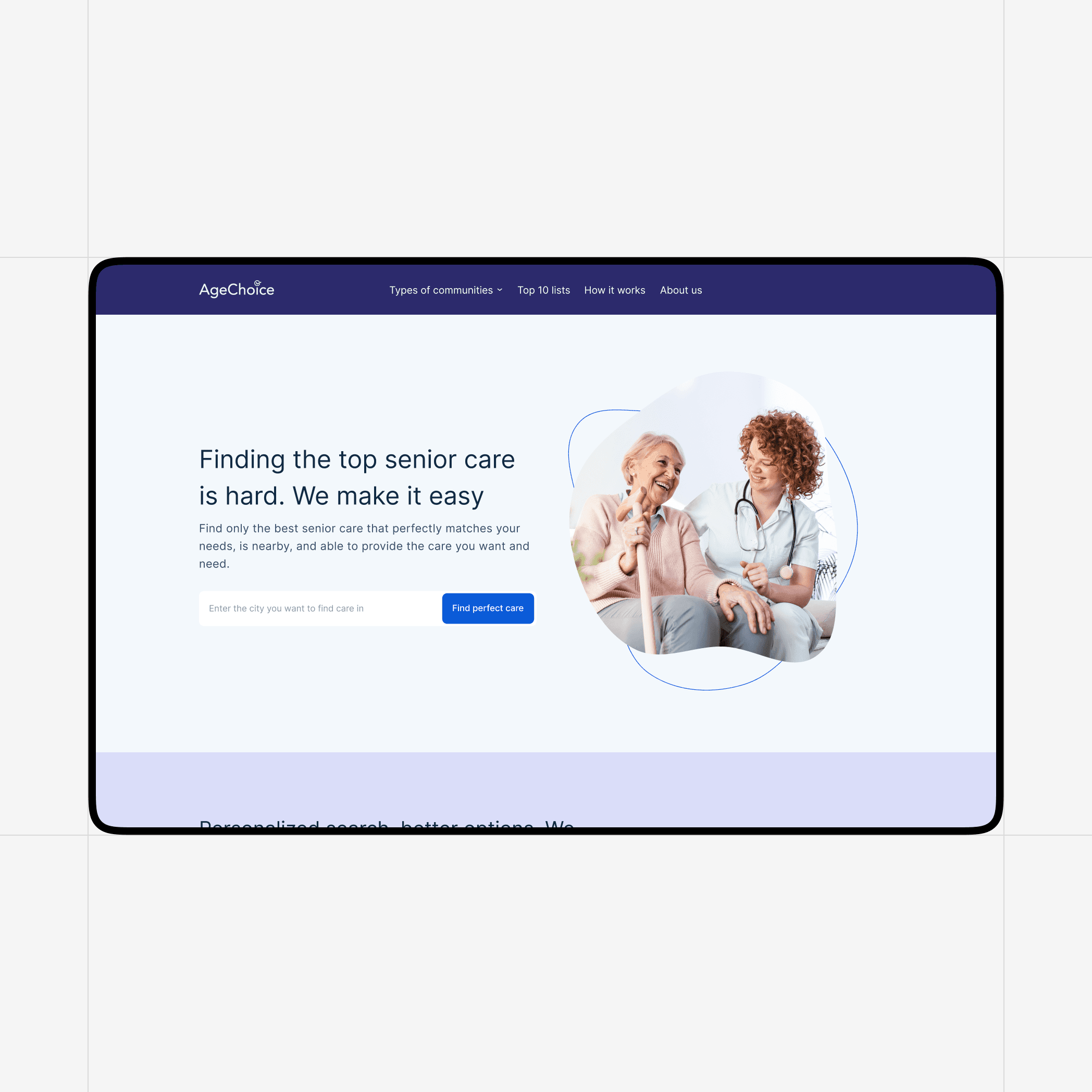
AgeChoice: Simplifying the Search for Senior Care
More resources