
For the latest insights and top stories, prefer RUBICON on Google.
SHORT ANSWER
Azure Data Factory moves data and runs pipelines on a schedule. Databricks transforms, models and governs it on Spark. They are not rivals. What changed is that Microsoft moved its Data Factory investment into Microsoft Fabric, and Databricks now has its own scheduler, Lakeflow Jobs. So the 2026 question is which of four setups: Data Factory alone, Databricks alone, both, or Fabric Data Factory with Databricks.
Azure Data Factory moves data and runs pipelines on a schedule. Databricks transforms, models and governs it on Spark. They are not rivals, and most Azure estates ran both until 2024. What changed is that Microsoft has moved its Data Factory investment into Microsoft Fabric, and Databricks has its own scheduler, Lakeflow Jobs, that can replace Data Factory for orchestration. So the 2026 question is not “which one” but “which of four setups”: Data Factory alone, Databricks alone, both, or Fabric Data Factory with Databricks. Below are the differences, the four options and the Fabric facts.
If your decision is Fabric versus Databricks as a platform, read Microsoft Fabric vs Databricks first.
What each one does
Azure Data Factory is Microsoft’s managed service for moving data between systems and running pipelines. You build pipelines visually or in JSON, pull from a large connector library (databases, SaaS tools, files, on-premises sources through a self-hosted runtime), land the data in Azure storage or a warehouse, and schedule it with triggers. Its visual transform tool, mapping data flows, runs Spark for you without code. It is a pipeline and scheduling tool first.
Azure Databricks is a data and AI platform on Apache Spark and Delta Lake, sold through Azure and billed on your Azure subscription. Engineers write notebooks in Python, SQL, Scala or R, build pipelines with Lakeflow Declarative Pipelines, govern everything through Unity Catalog, and run SQL, machine learning and AI on the same data. Since 2025 it has its own ingestion connectors (Lakeflow Connect) and its own scheduler (Lakeflow Jobs, formerly Workflows). It is a processing platform first.
The overlap causes the confusion: Data Factory can transform, Databricks can ingest and schedule, and each does a weak version of the other’s job.
The differences that matter
| Azure Data Factory | Azure Databricks |
|---|---|---|
Main job | Move data and run pipelines | Transform, model, govern and analyze data |
How you build | Visual designer, JSON, low code | Code in notebooks, SQL, declarative pipelines |
Compute | Managed runtimes you do not see. Mapping data flows spin up Spark for you | Clusters and serverless compute you size, or let autoscale |
Transforms | Light, visual. Heavy work goes to Spark or an external engine | Any transform Spark can run, at any scale |
Orchestration | Pipelines, triggers, dependencies. Can call Databricks notebooks, Python scripts, JARs and jobs | Lakeflow Jobs: multi-task jobs, retries, conditional logic, schedules. Can be triggered by Data Factory |
Governance | Pipeline-level monitoring and lineage into Purview | Unity Catalog: permissions, lineage, audit at table and column level |
Machine learning and AI | None | Built in: MLflow, model serving, vector search, AI functions |
Pricing model | Per 1,000 orchestration runs, per DIU-hour for data movement, per hour for pipeline and external activities | Databricks Units (DBUs) billed per second, plus the Azure compute underneath |
Team it suits | Data engineers who want pipelines without code, teams with many simple sources | Engineers who write code, teams with heavy transforms, analytics and ML |
Where it is going | Microsoft’s investment has moved to Data Factory in Fabric. The Azure service continues with no announced end date | Core Databricks product, actively developed |
Two rows carry most of the decision. Compute: Data Factory hides it, Databricks makes you own it, which means more work and more control over cost. Governance: column-level permissions, lineage and audit on regulated data exist only in Unity Catalog.
The four setups, and when each fits
Your situation | Setup | Why |
|---|---|---|
Many sources, light transforms, reports in a warehouse or Power BI, no ML, a small low-code team | Data Factory alone | You pay for movement and runs, not idle Spark clusters. |
Heavy transforms, a lakehouse, ML or AI, engineers who write code, governed data | Databricks alone, with Lakeflow Jobs and Lakeflow Connect | One platform, one scheduler, one catalog. Since Lakeflow added ingestion and scheduling, the reasons to bolt on Data Factory have shrunk. |
An existing Data Factory estate with dozens of pipelines, plus a Databricks lakehouse | Both, with Data Factory orchestrating Databricks | How most Azure estates grew, and it works. The cost is two tools, two monitoring views and an orchestrator outside the platform it schedules. |
Azure-first, standardizing on Fabric for BI, with Databricks for engineering and ML | Fabric Data Factory with Databricks | Where Microsoft’s roadmap now lives, with a Databricks activity built in. The trade-off is being early: several upgrade tools were still in preview in October 2026. |
The default for a new build in 2026: if you are choosing Databricks, orchestrate in Lakeflow Jobs and add Data Factory only for a source Lakeflow Connect does not cover. If you already have Data Factory, do not rip it out, but stop adding orchestration logic to it. New jobs go in Lakeflow, old pipelines move when you next touch them.
What Fabric changes
Three dated facts, because this is where most online comparisons are stale.
Investment moved. Microsoft Learn’s Data Factory landing page, updated in August 2026, still describes the Azure service as Microsoft’s cloud ETL service, but now carries a “Data Factory in Microsoft Fabric” section with migration guidance. Microsoft published an upgrade planning guide from Azure Data Factory to Fabric Data Factory, dated October 5, 2026. Analysts at Directions on Microsoft date the shift in investment to mid-2024.
No end date. A Microsoft moderator wrote on Microsoft Q&A on March 10, 2026 that there is “no announced cut-off date” for moving Azure Data Factory pipelines to Fabric and no hard stop on creating new ones. That is a forum answer, not a lifecycle notice. Plan on the Azure service running for years, and on new features landing in Fabric first.
Upgrade paths are young. The upgrade guide lists three routes: mount an existing Data Factory inside Fabric, use the built-in upgrade experience, or rebuild by hand. Mapping data flow transforms in Fabric’s Dataflow Gen2 and parts of the upgrade experience were in preview as of October 2026. Data Factory’s notebook, JAR and Python activities map to a single Databricks activity in Fabric.
So Data Factory versus Databricks is settled: they do different jobs. Azure Data Factory versus Fabric Data Factory versus Lakeflow Jobs is the live question, and it is about where your orchestration lives for the next five years.
What it costs
Compare pricing models, not price lists, because both change by region and quarter.
Data Factory bills per 1,000 orchestration runs, per DIU-hour for data movement, and per hour for pipeline and external activities such as a Databricks notebook run. Copying 50 tables nightly costs little. Running mapping data flows for hours costs Spark money without the control a Databricks cluster gives you.
Databricks bills DBUs per second, at a rate set by the compute type (jobs, SQL warehouse, all-purpose, serverless), plus the Azure compute underneath. The common mistake is scheduled work on all-purpose clusters, which cost several times more than jobs compute. Databricks cost optimisation lists twelve ways to cut the bill.
Price your workload in the Azure calculator and the Databricks price list, and date any number that goes into a business case.
What this looks like in a real build
The pattern we see most often: Data Factory adopted in 2019 or 2020 for copy pipelines, Databricks added in 2022 for the lakehouse, and orchestration now split across both with nobody sure which tool owns a failed run. The fix is rarely a migration project. It is a rule that new jobs go in one place, and a quarter of moving old ones as they come up for changes.
How to decide
List your sources and check which ones Lakeflow Connect covers. Each one it does not cover is a reason to keep Data Factory.
Count the transformations that need Spark. If most do, Databricks is the center and Data Factory is at most a feeder.
Pick where orchestration lives for the next five years: Azure Data Factory, Fabric Data Factory or Lakeflow Jobs. Write it down.
Regulated data with column-level permissions, lineage and audit points to Unity Catalog regardless of the rest.
Price the setups you are left with, using jobs compute for scheduled Databricks work.
How RUBICON helps
RUBICON is a Databricks partner and a Microsoft Solutions Partner for Cloud and AI Platforms, a data and software engineering company of about 55 people in Sarajevo, working in CET since 2013. We build on both services and have no reason to push one. Our data engineering team starts with a two-to-six-week assessment of your sources, pipelines, orchestration and spend, and ends with a target setup, a scoped estimate and a quote. That is where the four-option decision gets made with your numbers.
Sources
Microsoft Learn, Azure Data Factory documentation (updated Aug 12, 2026)
Microsoft Learn, upgrade planning for Azure Data Factory to Fabric Data Factory (Oct 5, 2026)
Microsoft Q&A, moderator answer on Data Factory cut-off (Mar 10, 2026)
Microsoft Learn, Lakeflow Jobs (Oct 9, 2026)
Microsoft Learn, run a Databricks notebook from Data Factory
Microsoft Learn, Azure Databricks activity in Fabric Data Factory
Frequently asked questions
Is Azure Data Factory being deprecated?
No. Microsoft said in March 2026 there is no announced cut-off date. New investment goes into Data Factory in Microsoft Fabric, and an upgrade guide from the Azure service to Fabric was published in October 2026. Expect the Azure service to keep working and Fabric to get the new features.
Can Azure Data Factory trigger a Databricks notebook or job?
Yes. Data Factory has built-in activities for Databricks notebooks, Python scripts and JARs, and can run a Databricks job. Fabric Data Factory replaces those three with a single Databricks activity.
Should I move Data Factory orchestration to Lakeflow Jobs?
If Databricks is the center of your platform, yes: new jobs now, old ones as you touch them. Keep Data Factory for sources Lakeflow Connect does not reach.
Do I need Databricks if I only have Data Factory?
Not until your transforms outgrow mapping data flows, or you need a governed lakehouse, machine learning or AI. Many reporting estates run on Data Factory, a warehouse and Power BI alone.
Related case study
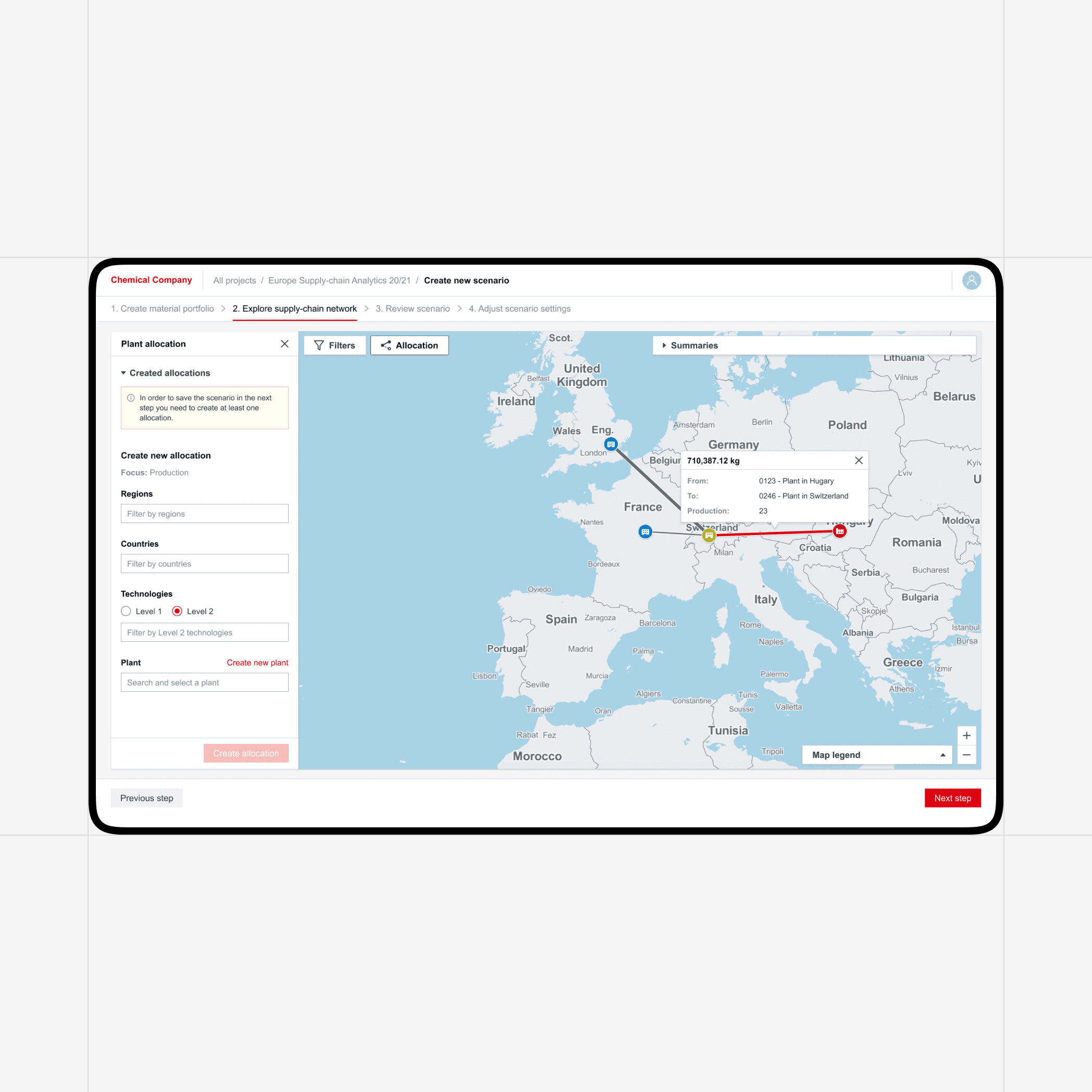
Real Time Analytics for Supply Chain Optimization
RUBICON Develops a Custom Real-Time Operation Analytics Supply Chain Management (SCM) Platform for a Global Client
More resources