
SHORT ANSWER
Microsoft Fabric suits organizations standardized on Microsoft 365, Azure and Power BI that want one analytics service with simple capacity pricing. Databricks suits teams with complex data engineering, machine learning or AI workloads, large data volumes or more than one cloud. Many enterprises use both: Databricks for engineering and AI, Fabric and Power BI for reporting, on shared Delta Lake tables.
Your reporting runs on Power BI, your data engineers want Spark, and someone has asked you to pick one platform for the next five years. Fabric and Databricks are both built around the lakehouse idea: open storage with warehouse-style analytics on top. They come from different directions, though. Fabric grew out of Power BI and Microsoft’s analytics stack. Databricks grew out of Apache Spark and large-scale data engineering. That history shapes where each one is strongest.
How do Fabric and Databricks compare side by side?
| Microsoft Fabric | Databricks |
|---|---|---|
Core idea | All-in-one SaaS analytics on OneLake | Data and AI platform built on Spark and Delta Lake |
Storage format | Delta Parquet in OneLake | Delta Lake in your cloud storage |
Cloud | Microsoft cloud only | Azure, AWS and Google Cloud |
Pricing | Capacity units (F SKUs) | Consumption (DBUs) plus cloud compute |
BI | Native Power BI with Direct Lake | SQL warehouses connect to Power BI and other tools |
Data engineering | Data Factory, notebooks, dataflows | Advanced Spark, Lakeflow pipelines (formerly Delta Live Tables), workflows |
Machine learning and AI | Available, lighter | Strong: MLflow, model serving, Mosaic AI |
Governance | Microsoft Purview | Unity Catalog |
Best fit | Microsoft-centric, reporting-heavy teams | Engineering-heavy and AI-heavy, multi-cloud teams |
When is Microsoft Fabric the better choice?
Your organization already runs on Microsoft 365, Azure and Power BI.
Most use cases are reporting and self-service analytics rather than machine learning.
You want one service with one bill and a low-code experience for analysts.
Your data volumes are moderate and workloads are steady, so capacity pricing stays predictable.
When is Databricks the better choice?
You have complex pipelines, streaming data or very large data volumes.
Machine learning, generative AI or agent use cases are on the roadmap.
You need to run on more than one cloud, or outside Azure.
You want fine-grained control over compute, performance tuning and engineering practices.
If you tick boxes in both lists, you’re in good company. That usually points to the combined setup below rather than a forced choice.
Can you use Fabric and Databricks together?
Yes, and you don’t always have to choose. Because both use Delta Lake, a common enterprise setup runs ingestion, data modeling, governance and AI on Databricks, then exposes curated gold tables to Fabric and Power BI for reporting. Heavy engineering stays where it runs best, and business users keep the Power BI experience they know. The cost is two platforms to govern, so agree early which one owns access rules.
Why data access matters as much as the platform
At a global chemical and consumer goods company, the data platform itself already existed, built on Azure with a data mesh pattern. The problem was that analysts couldn’t see what data existed. They depended on experts to discover datasets and get access, and the analytics tools were hard to find their way around.
We started with a three-day Lean Inception workshop with stakeholders, and later ran an Event Storming session to map the data access and data product processes. We built a portal on Azure that acts as a single entry point: users browse data assets pulled from the central catalog, request access, and get notified at each approval step. The lesson for a Fabric or Databricks decision is to budget for discovery, access requests and training, not only compute. A fast platform that nobody can find their way around doesn’t change how decisions get made.
How do the costs compare in practice?
Pricing pages won’t settle this, because the two models charge for different things. Fabric bills for reserved capacity, whether you use it or not. Databricks bills for the compute you actually run, on top of your cloud provider’s charges.
Steady reporting with predictable load usually favors Fabric capacity, because you size it once and the bill stays flat.
Heavy nightly batch jobs or spiky workloads often favor Databricks, because job clusters and serverless compute shut down when the work ends.
Mixed estates need a test. Run your three heaviest workloads on both for a few weeks and compare real bills, not list prices.
What about lock-in?
Both platforms store data in open Delta format, so your data stays portable. The lock-in sits elsewhere: in pipelines, notebooks, semantic models and security settings built with platform-specific tools. Keep business logic in version-controlled code, document your data contracts, and you can move workloads later without rebuilding from scratch. Ask any partner to show you how they’d move one pipeline off their preferred platform.
Questions to decide with
What are your top five use cases for the next two years? Reporting-heavy points to Fabric. AI-heavy points to Databricks.
What skills does your team have? Power BI and SQL analysts, or Spark and Python engineers?
What does the cost model look like on your real workloads? Run a short proof of concept on both if the decision is close.
What are your governance and security requirements? Check networking, identity, lineage and auditing on both.
How RUBICON helps with choosing between Fabric and Databricks
We’re a Microsoft Solutions Partner for Cloud & AI Platforms and a Databricks Partner, so we work with both and don’t need to push one. We run short architecture assessments, build proofs of concept on your own data and deliver production platforms through our analytics and BI and data engineering teams.
Once you’ve picked, read how to choose a Databricks consulting partner or our data platform migration checklist. If the decision is close, our architects can compare both options on your workloads with you.
Frequently asked questions
Can Microsoft Fabric and Databricks work together?
Yes. Both store data in the open Delta Lake format. Fabric can read Databricks tables through OneLake shortcuts or by mirroring a Databricks Unity Catalog, so a common pattern is to engineer data in Databricks and serve it to Power BI through Fabric. You keep one copy of the curated data and avoid running two competing pipelines.
Which is cheaper, Fabric or Databricks?
It depends on the workload. Fabric uses capacity-based pricing, which is simple and predictable for steady reporting. Databricks charges for compute consumption, which can cost less for bursty or heavy engineering workloads when clusters are well managed. Model both on your real workloads for a few weeks before you trust any comparison.
Is Databricks only for data scientists?
No. Teams use Databricks for data engineering, SQL analytics, governance with Unity Catalog, and machine learning and AI. Its SQL warehouses serve BI tools, including Power BI, so analysts can query curated tables without touching Spark. Many Databricks users never write a line of Python.
Is Microsoft Fabric mature enough for enterprise use?
Fabric became generally available in November 2023 and has matured quickly, especially for Power BI-centric analytics. Before you commit, check that the specific features you need, such as private networking, CI/CD and governance options, meet your requirements today. Feature lists change monthly, so test them on your own data rather than relying on a roadmap.
Related case study
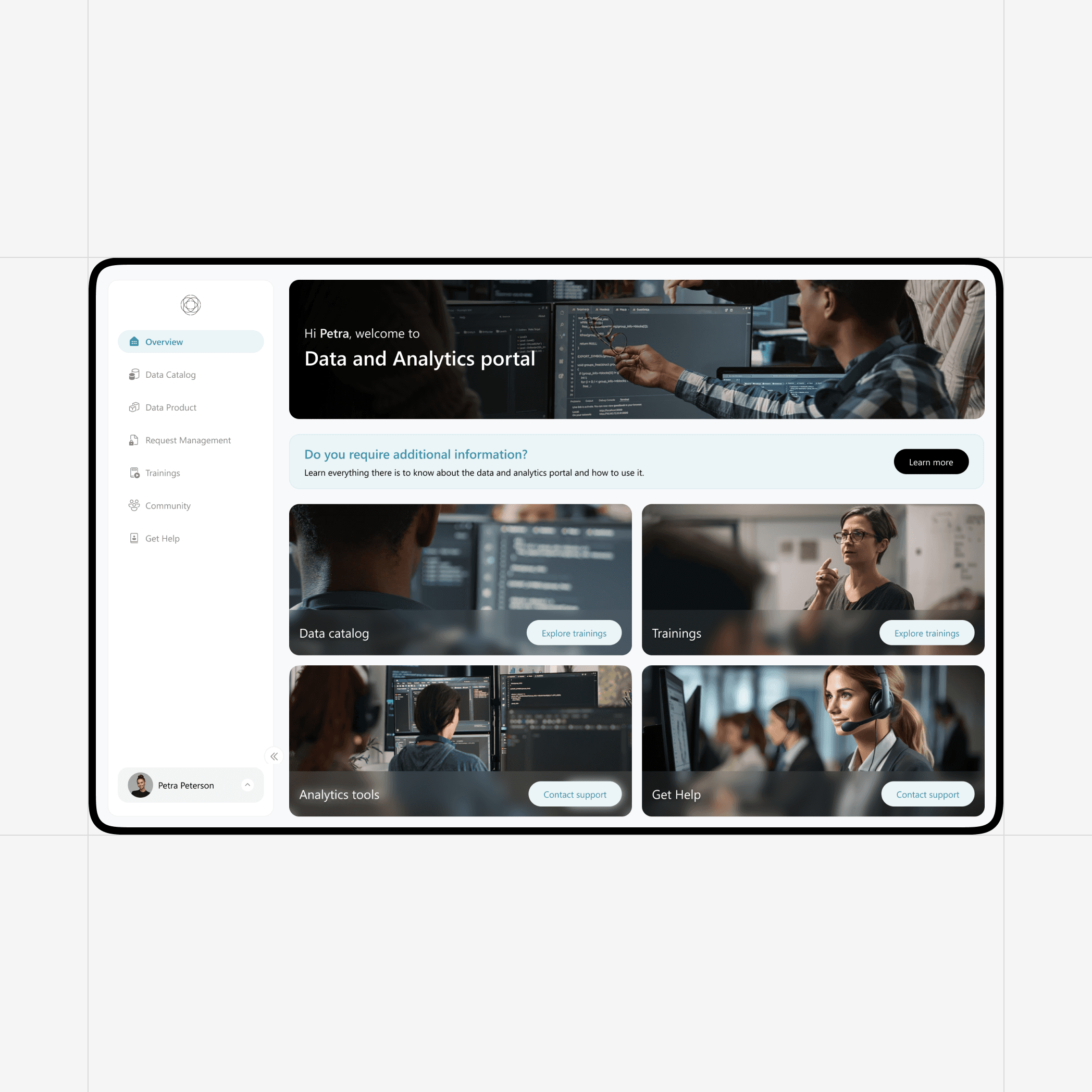
Enterprise Data Hub: All in One Analytics Portal
RUBICON delivers a comprehensive and secure cloud-based solution that serves as a single entry point for data consumers, bringing together all elements of data platform and analytics needs.
More resources